
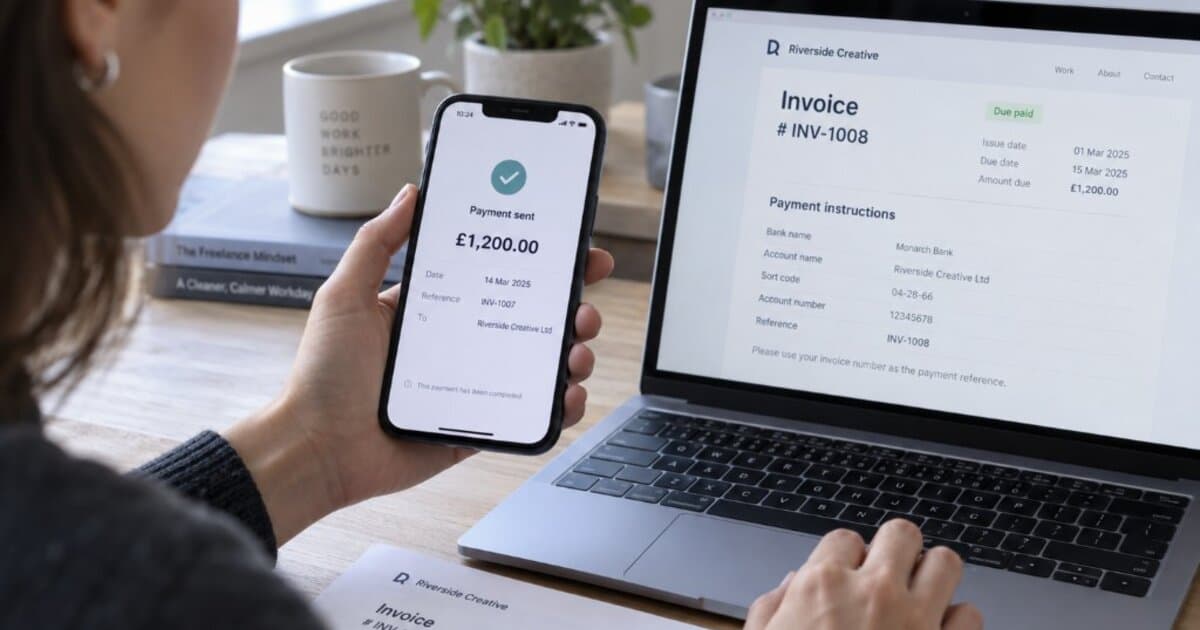
You sent the invoice two weeks ago. You followed up once. The client replied: We already paid that.
Your bank account says otherwise.
This isn't ghosting or a scope fight. It's the gap between their AP system and your bank balance. Treat it as non-payment and you may burn a good client over a processing delay. Mark it paid on their word and you might never see the money.
Verification first, collection later.
The Short Version
- Don't mark the invoice paid based only on the client's word. Confirm the payment has completed in your bank or payment processor first.
- Check your own records: bank, processor dashboards, and invoice details.
- Ask the client for proof: payment date, amount, method, and reference number.
- Diagnose the cause and resolve or resume follow-up.
Step 1: Don't Mark the Invoice Paid on Their Word
A client email saying "we sent it" is not confirmation. Neither is a pending notification.
Leave the invoice at sent or overdue until you can confirm the payment completed in your bank account or payment processor. If Stripe shows the charge succeeded and funds are in your Stripe balance waiting for payout, the client did pay. That's different from a client claiming they paid with no evidence.
What matters is that you can verify the payment yourself, not that the client says it happened.
If automated reminders are running, turn them off for that invoice while you investigate. Sending "your invoice is overdue" the same day you're asking for proof sends mixed signals.
Step 2: Check Your Side First
Before you reply, spend five minutes ruling out the obvious:
Your bank account. Search recent deposits for the exact amount and for slightly different amounts (processing fees may reduce the deposit). Check both primary and secondary accounts.
Your payment processor. If you accept payments through Stripe, PayPal, or Wise, check those dashboards separately. A payment can sit in your processor balance before it hits your bank. Look for pending payouts, held funds, or failed transfers.
Your invoicing tool. Confirm the invoice has the correct bank details or payment link. Payment instruction typos are surprisingly common.
If you find the payment sitting in a processor balance or pending payout, the problem is on your end. Update the client and close the loop.
Step 3: Ask the Client for Proof
If your search comes up empty, ask for specifics. You're tracing a transaction, not accusing anyone.
What to request:
- Date the payment was sent
- Amount sent (including whether fees were deducted on their side)
- Payment method (ACH, wire, check, card, PayPal, etc.)
- Transaction reference number or remittance advice
- Which bank account or payment link they sent it to
That last item catches a surprising number of cases. A client who paid Invoice #104 might have used the Wise link from Invoice #98, or the bank details from before you switched accounts.
Subject: Invoice #[X] — Payment Verification
Hi [Client Name],
Thanks for confirming that payment was sent for Invoice #[X]. I haven't seen it arrive yet on my end, so I'd like to trace it quickly.
Could you share the date it was initiated, the payment method, the amount, the transaction reference, and which account or link you sent it to?
This will help me check with my bank or processor. Thanks for your help.
Best, [Your Name]
Step 4: Diagnose the Cause
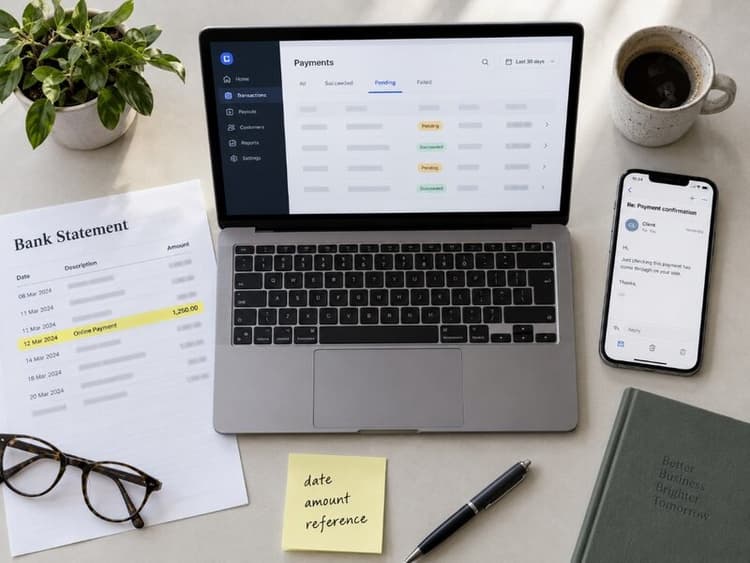
Once you have the client's details, compare them against your records. Most cases land in one of these categories.
Processing Delay
Timing varies by method, and many freelancers underestimate how long certain rails take:
- ACH (US): ACH credits may settle the same day, next banking day, or within two banking days. When you actually see the deposit also depends on your bank's posting rules and your payment provider.
- Wire (domestic): Generally processed the same business day when submitted before the bank's cutoff. If it isn't visible, ask for the wire reference number.
- Wire (international): Often 1–5 business days, though some transfers can take longer depending on correspondent banks and compliance holds.
- PayPal: Balance typically appears quickly, but transferring to your bank adds 1–3 business days per PayPal's standard transfer timeline.
- Card via Stripe or similar: A successful card payment may be confirmed in the processor before the money reaches your bank. Settlement and payout timing varies by processor, country, account history, and payout schedule. First payouts commonly take 7–14 days.
- Check: Delivery can take several days to two weeks. Deposited funds may become available before the check is fully verified. Holds and return timing vary by bank, deposit size, account history, and other factors.
For a full breakdown of timing, fees, and reversal risk by method, see Freelancer Payment Methods.
If the timing fits normal processing, tell the client you'll monitor and follow up on a specific date.
Wrong Invoice, Account, or Payee
The client paid, but the money went to the wrong place. Common scenarios:
- They applied the payment to the wrong invoice number or PO reference. Ask which invoice their payment references, and cross-check against open or recently closed invoices.
- They used bank details from an old invoice. If you recently changed banks or payment instructions, the money may have gone to the wrong account. If the old account is still open, transfer the funds. If it's closed, the transfer will typically be rejected or returned, but timing depends on the bank and payment method.
- They sent to a completely wrong account. Rare, but the client needs to initiate a trace or recall through their bank immediately.
Partial or Wrong Amount
The client's confirmation shows a different amount than your invoice. They may have deducted fees on their side, withheld a disputed portion, or made a typo.
If the amount is close but not exact, check whether the gap matches a known processing fee. A card processor takes a percentage of the transaction as a fee before depositing the rest. This doesn't mean the client made a partial payment; it means the full invoice was paid and the processing fee is your business expense.
If the shortfall doesn't match a fee, ask whether they intended a partial payment. For recording confirmed partials, see Partial Payments on Invoices.
Failed or Reversed Payment
The client may believe they paid because they initiated the transfer. But the payment could have failed, bounced, or been reversed.
Common causes: insufficient funds, expired card authorization, bank compliance hold, or an ACH return. They may not notice the failure unless they check their bank statement.
Ask them to verify with their bank that the payment completed, not just that it was initiated. If the payment posted to your account and was then reversed, that's a chargeback or return, which has its own process. See Client Chargeback? A Freelancer's Guide to Payment Reversals.

Red Flags: When "I Paid" Is a Stall Tactic
Usually "we already paid" means a payment in transit or a fixable admin error. Sometimes it's a delay tactic.
- No proof after repeated requests. A client who genuinely paid can usually share a confirmation within a business day or two. If they keep promising but never deliver proof, treat it as unpaid.
- Vague or shifting details. "We paid by bank transfer" one day, "actually it was PayPal" the next. Legitimate payments have consistent details.
- Overpayment with a refund request. A known fraud pattern: the client "accidentally" sends more than the invoice amount and asks you to refund the difference before the original payment clears. Do not refund anything until the original deposit has fully settled in your bank. The FTC specifically warns about this scam.
- Pressure to close the invoice immediately. A real payer has no reason to rush you into marking something paid before you verify.
If any of these show up, leave the invoice open and shift to your follow-up cadence. See Client Won't Pay? A Freelancer's Escalation Plan if the situation doesn't resolve.
Know exactly what's been paid and what hasn't.
BillerBear records full and partial payments with timestamps and remaining balances on every invoice. When a client says "we paid," open the invoice and compare: amount received, payment date, and outstanding balance are right there. No spreadsheet cross-referencing.
Create a free invoice →If Proof Doesn't Come
Send a direct follow-up after 3 business days:
Subject: Following up — Invoice #[X] payment verification
Hi [Client Name],
I haven't been able to locate the payment for Invoice #[X] in my bank or processor records, and I haven't received the transaction details yet.
Could you share the payment confirmation by [specific date]? If the payment hasn't gone through on your end, I'm happy to resend the invoice with current payment instructions.
Thanks, [Your Name]
As an internal policy, if you haven't confirmed the deposit within 7–10 business days and the client can't produce valid payment confirmation, treat the invoice as unresolved. Re-enable reminders, resume your follow-up process, and update the status if proof and payment arrive later. For email scripts at each escalation stage, see How to Ask for Payment in an Email.
Save the full verification thread either way: the client's original "I paid" message, your proof request, their response (or non-response), and your bank/processor search results. This documentation matters if the situation escalates to a demand letter, chargeback defense, or small claims. It also feeds monthly invoice reconciliation.
Verify First. Then Decide.
Most gaps close within a few business days: a processing delay, a wrong invoice number, outdated bank details on the client's side. When they don't, your documentation and process are what protect you.
BillerBear tracks every invoice from sent to paid, records full and partial payments with timestamps, and shows exactly what remains outstanding. When a client says "we paid," you can check the payment history against your bank in seconds instead of digging through emails.
Payment timing varies by bank, country, and processor. This article is general business guidance, not legal or financial advice.
Ready to create clearer invoices?
Create up to 3 invoices per month free. No credit card required.
BillerBear Editorial
Continue reading
How to Set Up an Invoice Payment Plan That Protects Your Cash Flow
When a client can't pay the full invoice at once, a structured payment plan can recover the revenue. Here's how to decide when a plan makes sense, what to put in writing, and how to invoice each installment.
Net 60 Payment Terms? How to Negotiate Faster Payment as a Freelancer
When a corporate client sends a vendor agreement with Net 45 or Net 60, you don't have to accept it as-is. Counter-offers, scripts, and what AP teams sometimes accept.
Early Payment Discounts for Freelancers: Is 2/10 Net 30 Worth It?
A 2% early-payment discount can equal a 37.2% annualized cost. Learn when 2/10 Net 30 improves freelance cash flow—and when it only cuts margin.