
You finished the work. The invoice is still in your head while you move on to the next project. By the time you send it, a week has passed. Maybe two.
That delay pushes your payment out by however long you waited, on top of whatever terms you agreed to. Invoice a week late on Net 30 and you're really waiting 37 days, or longer.
The fix is simple: send the invoice as close to the trigger event as possible. That trigger changes depending on how you bill. Here's when to send one for each model freelancers actually use.
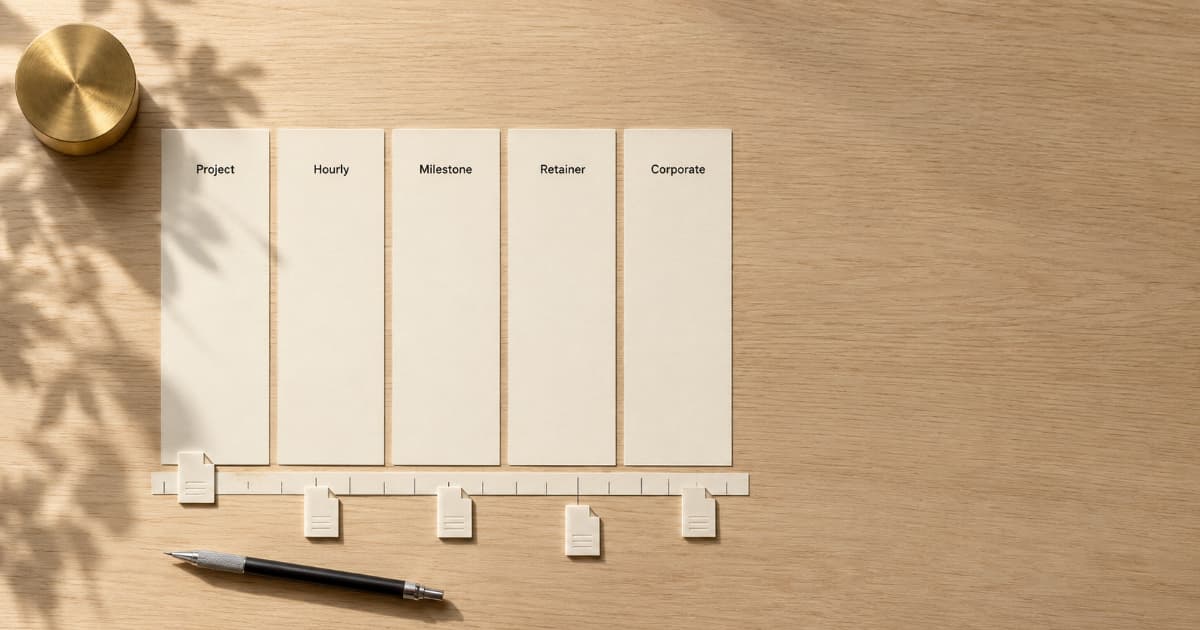
| Billing model | Send the invoice |
|---|---|
| Flat-fee project | When the final deliverable is submitted |
| Hourly work | At the end of the agreed weekly, biweekly, or monthly cycle |
| Milestone project | When each milestone deliverable is submitted |
| Prepaid retainer | Before the new service period begins |
| Corporate client | Before the applicable AP cut-off, once the work is billable |
The Core Rule: Invoice When the Work Becomes Billable
Every billing arrangement has a trigger that makes the work billable. Your invoice should normally go out that day, or by the next business day.
For project work, that's delivery. For hourly work, it's the end of your billing cycle. For milestones, it's deliverable completion. For retainers, it's the start of the billing period.
Wait longer and two things happen: the payment feels less urgent to the client, and your line items get harder to reconstruct accurately.
If you're not sure what belongs on the invoice when you do send it, start with How to Create a Professional Invoice.
Project-Based / Flat Fee Work
Send the invoice on the day you deliver the final work.
If the project includes a deposit, send that invoice right after the client accepts your quote or signs the agreement. For new clients, avoid starting work until the deposit clears unless your agreement explicitly provides otherwise. For deposit sizing and how to ask for one, see Upfront Deposits: Why Freelancers Should Never Work for $0 Down.
Unless your agreement makes approval the billing trigger, send the final invoice when you submit the deliverable. Wait for approval and the client controls your payment timeline. Revisions can stretch it indefinitely.
One exception: large projects often work better with milestone billing than a single final invoice. See Milestone Billing for Freelancers.
Hourly Work
Set a regular invoicing cadence and stick to it.
As a practical starting point:
- Weekly: Useful for short engagements, high weekly billings, or situations where you want tighter cash flow.
- Biweekly: A good middle ground for steady ongoing work. Fewer invoices than weekly, less admin than monthly catch-ups.
- Monthly: Common for long-term clients and companies that prefer fewer invoices.
Pick your cadence during onboarding and put it in writing. "I'll invoice every Friday for the previous week's hours" is clear. "I'll invoice periodically" is not.
Send the invoice on the last day of the billing cycle or the following business day. Don't batch six weeks of hours into one surprise invoice. That creates sticker shock and invites line-item scrutiny.
For tracking hours before you invoice, see How to Track Billable Hours as a Freelancer. For choosing between hourly and flat-rate models, see Hourly vs. Flat Rate Invoicing.
Milestone Projects
Invoice on the day you submit the deliverable for each phase.
Give each milestone a clearly identifiable invoice or line item. Separate invoices are usually easier to track unless the client's AP process requires consolidation.
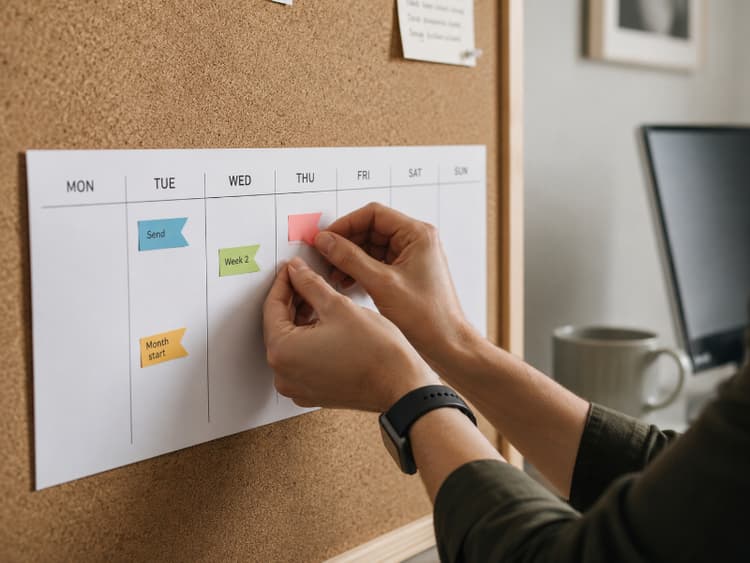
The trigger should be deliverable submission, not client approval, unless you've agreed to approval-based triggers in your contract. With approval-based triggers, the client can delay payment by sitting on a review for weeks.
If you do use approval-based triggers, add a deemed-approval clause. Something like "deliverable is considered approved if no feedback is provided within 5 business days" keeps payment from stalling.
Retainer Clients
For prepaid retainers, invoice at the start of the billing period, not the end.
Retainer invoices work like rent: you pay before the period begins. If your retainer covers April, send the invoice several days before April 1 and make payment due by the start of the service period.
Invoicing at the end of the period puts you in the same position as project work with no deposit. You've already done the work, and now you're waiting to get paid.
If your agreement bills in arrears instead, match the contract and invoice at the close of each period.
If you send retainer invoices on a fixed schedule, recurring invoice automation removes the manual step. See Recurring Invoices: How to Set Up Automatic Billing.
For retainer contract terms and scope boundaries, see Freelance Retainer Agreements.
Corporate Clients
Align your send date with their accounts payable schedule.
Many corporate AP departments run payment batches on a fixed cycle, biweekly or monthly, often tied to specific cut-off dates. Miss the cut-off by a day and your payment slides to the next batch.
Ask during onboarding: "What day do you need invoices submitted by to make the next payment run?" Then build your invoicing schedule around that date.
Other corporate timing details:
- If the company requires a purchase order, get the PO number before invoicing. An invoice without one may be rejected or delayed.
- Some AP teams start Net 30 from the date they receive the invoice, not the invoice date. Submit early if send date and receipt date might differ (mail vs. portal, for example).
- If you need to submit a preview before the real invoice, a proforma serves that role. See Proforma Invoice for Freelancers.
For vendor onboarding, PO workflows, and AP formatting, see How to Invoice Corporate Clients.
Track every invoice from draft to paid.
BillerBear tracks invoice status, sends automated reminders, and supports recurring invoices for retainer clients.
Create a free invoice →Common Timing Mistakes
Waiting for "final" approval on everything. If your contract says invoice on delivery, invoice on delivery. Don't wait for the client to say "looks great" unless that's a contractual trigger.
Batching weeks of work into one invoice. This hides urgency and makes payment feel optional. Invoice on your agreed schedule.
Invoicing before the agreement is signed. A deposit invoice is fine after the quote or contract is accepted. An invoice before that confuses the client and weakens your credibility.
Forgetting to agree on timing during onboarding. If the client expects monthly invoices and you send weekly ones, you'll create friction. Lock this down before work begins. For a full onboarding checklist, see Freelance Client Onboarding Checklist.
Before Your First Invoice
Get these in place before the first invoice goes out:
- Accepted quote or signed agreement: Establishes what you're billing for and when. See Freelance Quote vs Invoice.
- Billing contact confirmed: The person who hired you is not always the person who pays.
- Payment terms agreed: Net 15, Net 30, or Due on Receipt. Whatever it is, both sides should know before the first invoice lands. See Invoice Payment Terms Explained.
- Invoice schedule agreed: Weekly? On delivery? Start of each month? Decide during onboarding, not after the first payment is late.
After You Send
Once the invoice is out, the clock starts. Have these ready:
- Log the send date so you know when to follow up.
- Set a reminder for the due date. Better yet, automate it.
- Know your follow-up plan if payment doesn't arrive on time.
For next steps after sending: When to Follow Up on an Invoice covers the timeline, Automated Invoice Payment Reminders covers automation, and How to Email an Invoice to a Client covers the email itself.
Time the Invoice, Not Just the Follow-Up
Late-payment follow-up gets most of the attention. Send timing often doesn't. An invoice sent on the right day, to the right person, with terms already agreed, starts the payment clock immediately instead of adding dead time upfront.
Get the timing right and you'll follow up less.
Ready to create clearer invoices?
Create up to 3 invoices per month free. No credit card required.
BillerBear Editorial
Continue reading
Invoice Line Item Descriptions: Examples and a Copyable Formula
Use a practical invoice line-item formula, before-and-after examples by service type, and wording that matches the scope your client approved.
What Business Name Goes on a Freelance Invoice? LLC, DBA, and Legal Name Explained
Not sure whether to invoice under your legal name, LLC, or DBA? Learn what belongs in your invoice header, how it should connect to your W-9, and how to prevent vendor setup and AP delays.
Proforma Invoice for Freelancers: What It Is, When to Send One, and What to Include
Client asked for a proforma invoice? Learn what it is, how it differs from a quote or final invoice, when freelancers need one, and exactly what to send.